
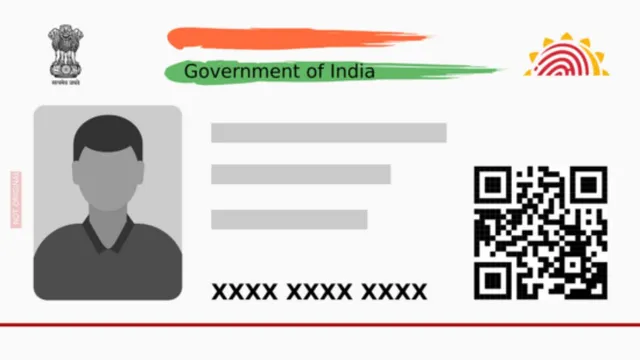
The new Aadhaar app has solved a major problem for many. Users can now update their linked mobile number, address, and other details on their Aadhaar card from the comfort of their homes. Previously, cardholders had to visit an Aadhaar Center specifically to update their phone numbers. Below is a detailed guide on how to register and use the Aadhaar app.
How To Register In The Aadhaar App
With the launch of the Aadhaar app, the UIDAI has significantly simplified the process of updating information. To fully benefit from the app, you should register using the mobile number already linked to your Aadhaar. While users can register with a different number, they will not be able to access all Aadhaar-related services. You will also need your Aadhaar number for the registration process.
Step 1: Download and install the Aadhaar app from the Google Play Store or Apple App Store.
Step 2: Open the app, select your preferred language, and accept the terms and conditions.
Step 3: Click on the "Register Aadhaar" tab located on the home page.
Step 4: Enter your Aadhaar number and complete the SIM verification process.
Step 5: Complete the Face Authentication process. This involves using your phone's front camera and blinking your eyes as prompted to verify your identity.
Step 6: Generate a six-digit PIN for app login. You will need this PIN every time you access the app in the future.
What Can You Do With The Aadhaar App?
Through this app, users can update the mobile number linked to their Aadhaar card and change their registered address. Additionally, users can securely share their Aadhaar details digitally whenever required.
How to Update Your Mobile Number via the App
Step 1: Log in to the Aadhaar app and click on "Update Aadhaar Details" on the home screen.
Step 2: Select the "Update Mobile Number" option and fill in all the required information as prompted.
Step 3: Complete the authentication process and proceed to the payment section.
Once the verification process is successful, your phone number details will be updated on your Aadhaar. Users can follow a similar process to update their address, though this requires submitting a valid document as proof of address.