- By Vikas Yadav
- Sun, 26 Mar 2023 06:39 PM (IST)
- Source:JND
THE BATTERY in a smartphone is a component that degrades over time. It is the battery pack that determines the endurance of the phone. Generally, a new phone's battery survives for a day with medium usage.
However, if you think the phone is not surviving the duration it used to during the good old days,
Adjust screen timeout
In the display settings, locate the option that states the duration when the screen goes to sleep. Select the minimum possible limit of 15 or 30 seconds.
Use automatic brightness
Auto-brightness ensures the phone emits the right amount of light based on the environment. You can head to the settings or toggle it from the notification bar.
Disable unnecessary apps
Of late, smartphone manufacturers stuff the handsets with several third-party apps to diversify revenue streams. You can uninstall these apps and disable the system apps depending on your needs. Plus, restrict permissions of unnecessary apps that run in the background.
Turn off account sync
You can consider turning off the sync settings for email accounts you don't use regularly. Do note activity of the email accounts will not reflect on your phone when sync is off.
Disable Bluetooth and Wi-Fi scanning
After you have turned off unnecessary power-hungry services, head to 'Location' in the settings and find Wi-Fi and Bluetooth scanning. Toggle them off.
Switch to dark UI
This mode can help increase backup on an AMOLED display. Plus, it is also relaxing for the eye. Use a minimal black shade wallpaper on an AMOLED screen.
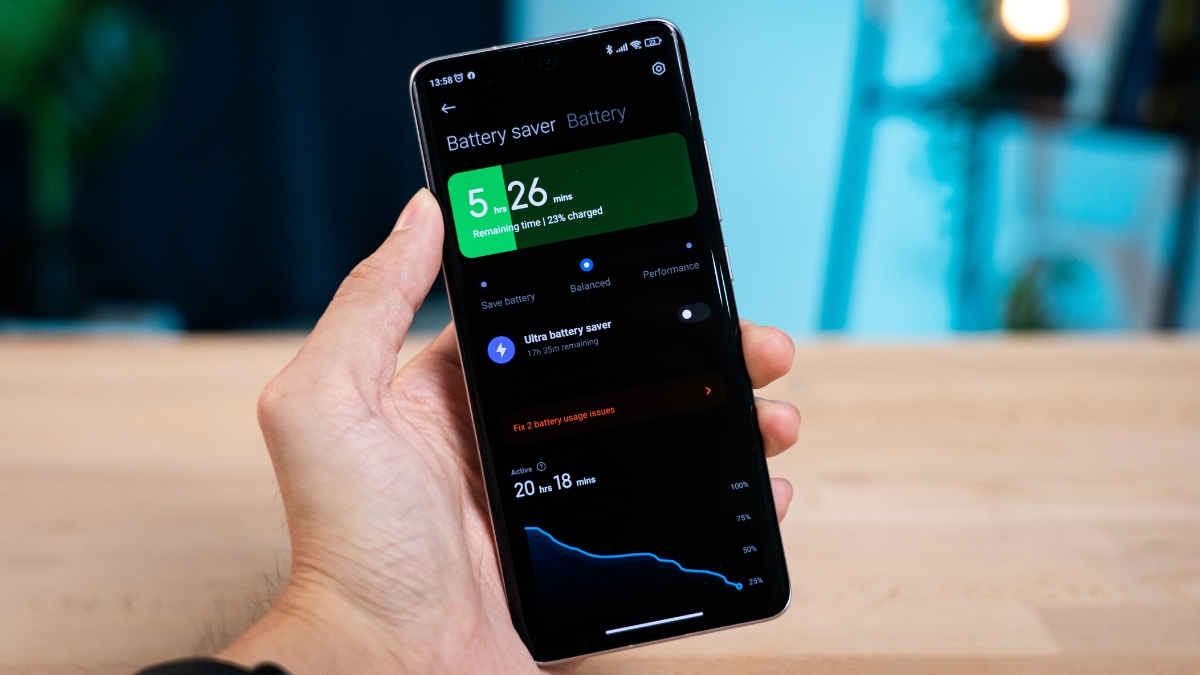
Experiment with battery-saving mode
If you wish to extract more juice, you can explore the enhanced power-saving modes on your phone.
Quick Tips
- Turn off haptic feedback (vibrations).
- Disable wallpaper services on the lock screen.
- Avoid exposing the phone to extreme temperatures.
- Use official accessories to charge your phone.
- Keep the charging percentage between 20 to 80 per cent. Put the phone on charge before it dips below 20 and unplug when it reaches 80-85 per cent.
