
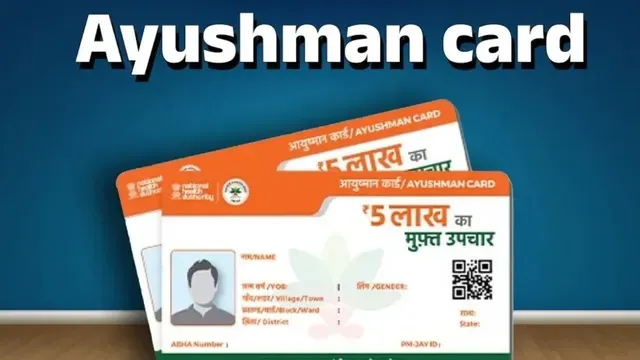
- Ayushman Card e-KYC update is now mandatory.
- Complete e-KYC online via official Ayushman app.
- Update online via Ayushman app to avoid benefit suspension.
Ayushman Card e-KYC Update: The Ayushman Yojana, also known as the Ayushman Card, is a central government scheme that provides free medical treatment worth up to Rs 5 lakh per year to crores of poor and needy families across India. However, you will not be able to use it if you have not updated your KYC details.
Under the central government's Ayushman Bharat Pradhan Mantri Jan Arogya Yojana (AB PM-JAY), eligible families receive cashless medical facilities at any government or private hospital.
However, if the name, date of birth, photo, or Aadhaar-related information on your Ayushman card is outdated, you must get it updated. The government has made the Ayushman Card e-KYC mandatory. If you fail to complete this process, the benefits of free treatment may be temporarily suspended.
Eligible users can now complete the e-KYC online from the comfort of your home, saving you from standing in long queues at service centres.
Ayushman Card E-KYC Update: How to Complete e-KYC Online
1. Download and install the official Ayushman app on your mobile device.
2. If you prefer using face authentication for verification, install the Aadhaar FaceRD app as well.
3. Open the Ayushman app, select the Beneficiary option, enter your mobile number, and log in using the OTP sent to your phone.
4. Select your state, scheme, and district from the dropdown menus.
5. Search for your beneficiary profile using your Aadhaar number or ration card number.
6. Locate your name in the list of family members, then select the e-KYC or Redo e-KYC option.
7. Confirm your identity through Aadhaar OTP, face authentication, or other available verification methods.
8. Fill in the requested information. If prompted, capture and upload a live photo, then submit your request.
9. Once submitted, your information will undergo verification. In some cases, approval may take a little time.
10. After the status is updated, your updated Ayushman card can be downloaded directly from the app.