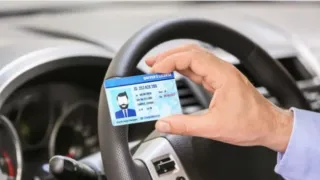
A driving licence is no longer just a permit to operate a vehicle, it also serves as an important government-issued identification document. It is widely used for various online services, including banking, insurance, traffic challans, licence renewal, and other official processes. Given its growing role in digital services, keeping the mobile number linked to your driving licence updated has become increasingly important.
However, if you have an old or incorrect mobile number registered on your license, many important services may be disrupted due to a lack of OTP. However, you can now update your mobile number on your driving license from the comfort of your home. You don't need to go anywhere for this task.
How To Update Mobile Number On Driving License?
To update your mobile number on your driving license, you can visit the government's Parivahan Sarathi portal. Here is the step-by-step process.
Step 1: For this, first open the website parivahan.gov.in on your mobile or computer.
Step 2: After this, click on Driving Licence Related Services on the homepage.
Step 3: From here, select your state and go to the license related services page.
Step 4: Here you have to select the option of Update Mobile Number / Services on Driving Licence.
Step 5: After this, enter your driving license number, date of birth and the required information.
Step 6: After this, enter the new mobile number on which you will receive all the OTPs and notifications in future.
Step 7: After doing this, enter the OTP received on the new mobile number and complete the verification.
Step 8: If any fee is applicable for this service in your state, then make the online payment and submit the form.
Once you submit the form, your request gets recorded in the Transport Department and the mobile number gets updated within a few days.