
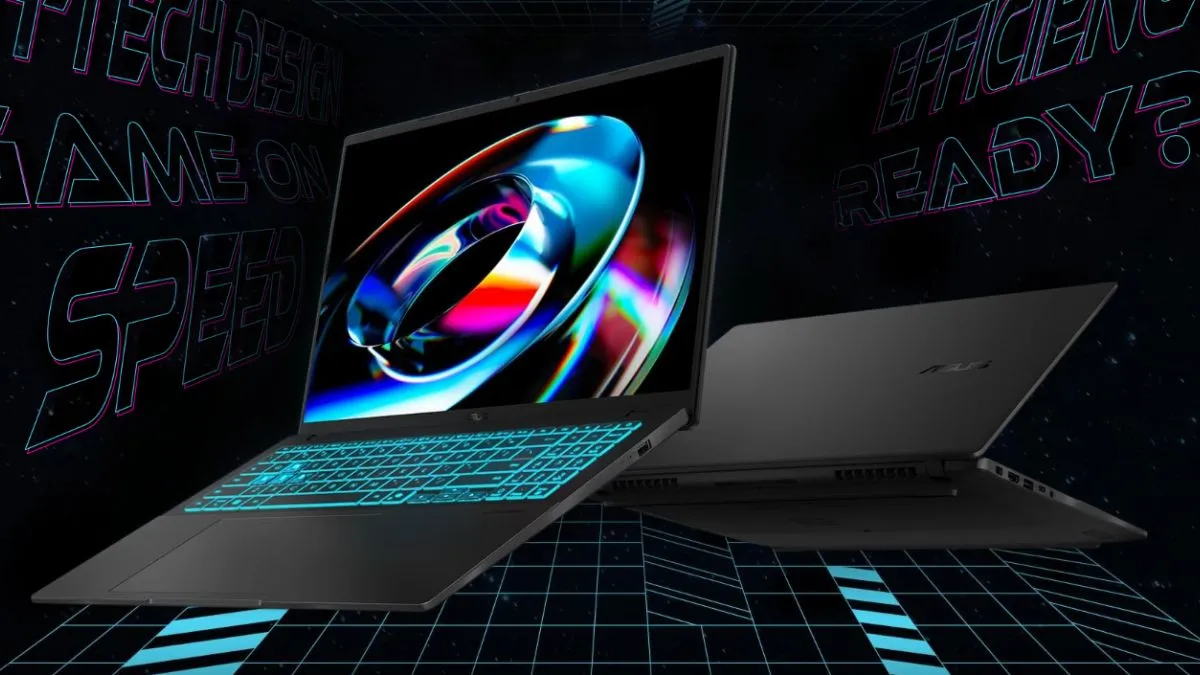
A gaming laptop is something that everyone looks for these days; it's not just because of games but also because of its performance and various workload-handling abilities that it can deliver. But due to rising RAM and storage prices, finding one that fits your budget and something that has a perfect price-to-performance ratio has become difficult. So here we are going to look into a few laptops that can give you a good gaming experience as well as handle daily workloads easily without costing too much and sit under the 1 lakh bracket.
So let's dive in and take a look at what's best for you in 2026 for gaming and daily performance.
ASUS Gaming V16 (V3607VH)
This laptop sits in a sweet spot and is amped up with specs and features that can deliver gaming as well as potent daily performance. With 16GB DDR5-5200 RAM and a 512GB NVMe SSD. The device comes packed with an NVIDIA RTX 5050 8GB GDDR7 dedicated graphics card.
It has an FHD+ (1920X1200) Display with Backlit LED and 300 nits of brightness. The processor under the hood is a deca-core Intel Core 7 240H, clocking at 5.2GHz. You also get a 63WHrs battery which also supports fast charging. The device weighs 1.9 Kgs, and has a built-in microphone and speaker from SonicMaster
Recommended For You
It also has a Backlit Chiclet keyboard with a dedicated Copilot key as well for AI access. It also has two DDR5 S0-DIMM RAM extension slots. On Flipkart, the device is listed for ₹99,900. Some bank offers and exchange offers also apply, which can bring down the cost even further.
MSI VenturePro 15 AI
MSI VenturePro 15 AI is available at a cost of Rs. 95,990 and is considered one of the most exciting options among the listed laptops if you are looking for a gaming laptop which is not very bulky. It consists of an Intel Core Ultra 5 125H processor, 16GB of RAM, and a 1TB NVMe SSD. The graphics card offered in this laptop by MSI is Nvidia GeForce RTX 3050 with 6GB of GDDR6 memory.
This laptop has a 15.6-inch FHD screen and offers a refresh rate of 144 Hz. It weighs around 1.9kg, making it the lightest laptop from all the mentioned. In addition, it is installed with Windows 11 Home and Office 2021.
HP Victus
The HP Victus, on the other hand, occupies the higher position of this list with a price tag of Rs. 98,400. The Victus is built around an AMD Ryzen 7 7445HS processor and ships with 16GB DDR5 RAM which can be expanded in the future. The device uses a 512GB SSD to store data, whereas its graphics capability is provided by RTX 3050 with 6GB VRAM.
The display size of this device is 15.6 inches, with FHD resolution on the IPS panel, and a screen refresh rate of 144Hz and a brightness of 300 nits. The device is fairly heavy, with a weight of 2.29kg and even features a backlit keyboard and DTS audio.
ASUS TUF A15 (2025)
The cheapest laptop on this list would be the ASUS TUF A15 (2025), whose cost at the moment stands at Rs. 86,289. The ASUS TUF A15 (2025) has the AMD Ryzen 7 7445HS processor along with 16GB of RAM and 1TB SSD, making it a very potent computer when it comes to performance and cost.
The laptop features a 15.6" FHD display with a 144Hz refresh rate, along with an RTX 3050 having 4GB VRAM. Windows 11 is the operating system running on this laptop, and it comes bundled with Office 2024 software as well.
Acer ALG
The Acer ALG is another option worth considering if keeping the price down is your priority. Its price tag is Rs. 87,300 and it is driven by 13th Generation Intel Core i5-13420H processor. This laptop features 16GB RAM, a 512GB SSD, and an RTX 3050 graphics card that offers 6GB of GDDR6 memory.
In terms of display, Acer uses a 15.6-inch Full HD screen with a 144 Hz refresh rate. As its weight is 1.99 kg, it is also quite easy to carry considering other heavy gaming laptops available within this budget. This laptop supports the Windows 11 Home operating system and has a steel grey colourway.
Note: Prices are subject to change based on platform discounts.
Complete Breakdown
| Laptop | Processor | RAM | Storage | GPU | Display | Weight | Price |
|---|---|---|---|---|---|---|---|
| ASUS Gaming V16 (V3607VH) | Intel Core 7 240H | 16GB DDR5-5200 | 512GB NVMe SSD | RTX 5050 8GB GDDR7 | 16-inch FHD+ 300 nits, 1920×1200 | 1.9kg | ₹99,900 |
| MSI VenturePro 15 AI | Intel Core Ultra 5 125H | 16GB | 1TB NVMe SSD | RTX 3050 6GB GDDR6 | 15.6-inch FHD, 144Hz | 1.9kg | ₹95,990 |
| HP Victus | AMD Ryzen 7 7445HS | 16GB DDR5 | 512GB SSD | RTX 3050 6GB | 15.6-inch FHD IPS, 144Hz, 300 nits | 2.29kg | ₹98,400 |
| ASUS TUF A15 (2025) | AMD Ryzen 7 7445HS | 16GB | 1TB SSD | RTX 3050 4GB | 15.6-inch FHD, 144Hz | — | ₹86,289 |
| Acer ALG | 13th Gen Intel Core i5-13420H | 16GB | 512GB SSD | RTX 3050 6GB GDDR6 | 15.6-inch FHD, 144Hz | 1.99kg | ₹87,300 |
FAQ
1. Can you do 4K 60fps+ gaming on these laptops?
No, as these laptops do not come with a high-end 4K display, and the graphics cards mentioned here are for entry-level gaming only and might not support ultra-high-end graphics. However, most AAA games can be played on these systems on medium to high settings with a little compromise on the FPS.
2. Which is better: the RTX 30, 40 or 50 series?
Usually, one should go for the latest in-line production, and in the case of NVIDIA, it's the 50 series GPUs, although the difference may not be massive but they still come with some amped up settings and advantages with it.
3. How to get the best gaming performance?
With these laptops, it is essential to know that you need to plug in your charger to get the max output, as it will be utilised via your graphics card; unplugged systems might not work optimally for maximum usage.