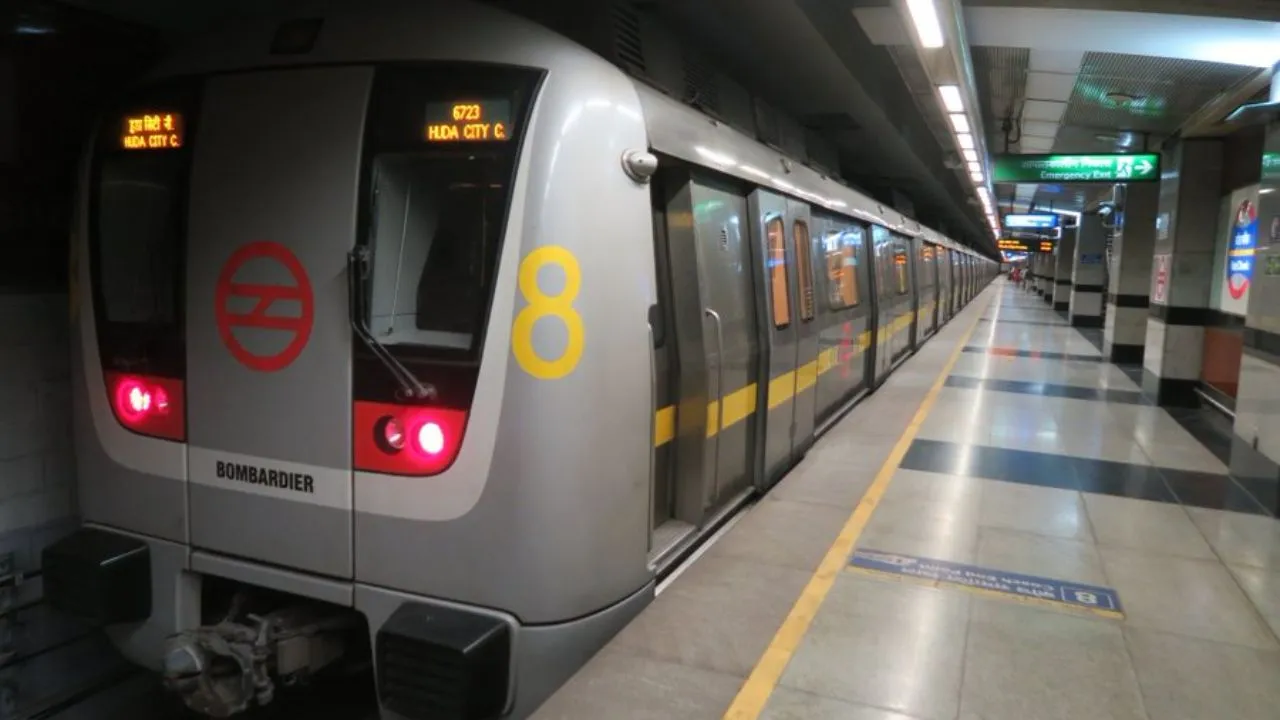
Delhi Metro Update: Delhi Metro commuters can now leave behind the hassle of carrying a physical smart card or worrying about losing it. Your smartphone can serve as your Metro Card, thanks to a convenient QR-based virtual smart card feature that allows seamless, multiple journeys without generating fresh tickets each time.
How The Feature Works
Delhi Metro's Automatic Fare Collection (AFC) gates support QR ticketing, enabling users to create a reusable, multi-journey QR code through the official app. This single code remains active for repeated travel until the linked balance runs out, eliminating the need for physical cards, frequent recharges at stations, or the risk of misplacing them.
Which App To Use?
The feature is available exclusively on the Delhi Metro Sarthi app (previously known as Momentum 2.0). It is free to download and compatible with both Android and iOS devices.
Step-By-Step Guide To Turning Your Phone Into Metro Card
-Download and install the Delhi Metro Sarthi app from the Google Play Store or Apple App Store.
-Log in using your mobile number and verify with the OTP received.
-On the home screen, select the Virtual Smart Card option.
-Perform an initial recharge of at least Rs 150 (this acts as the starting electronic value; no security deposit is required).
-Once the recharge is complete, your multi-use QR code activates.
Simply scan this QR code at the AFC gates for entry and exit on every trip, as long as sufficient balance remains. No need to generate a new code each time, stand in queues for tickets, or carry an extra card.