
- By Chetna Shree
- Thu, 01 Jan 2026 04:52 PM (IST)
- Source:JND
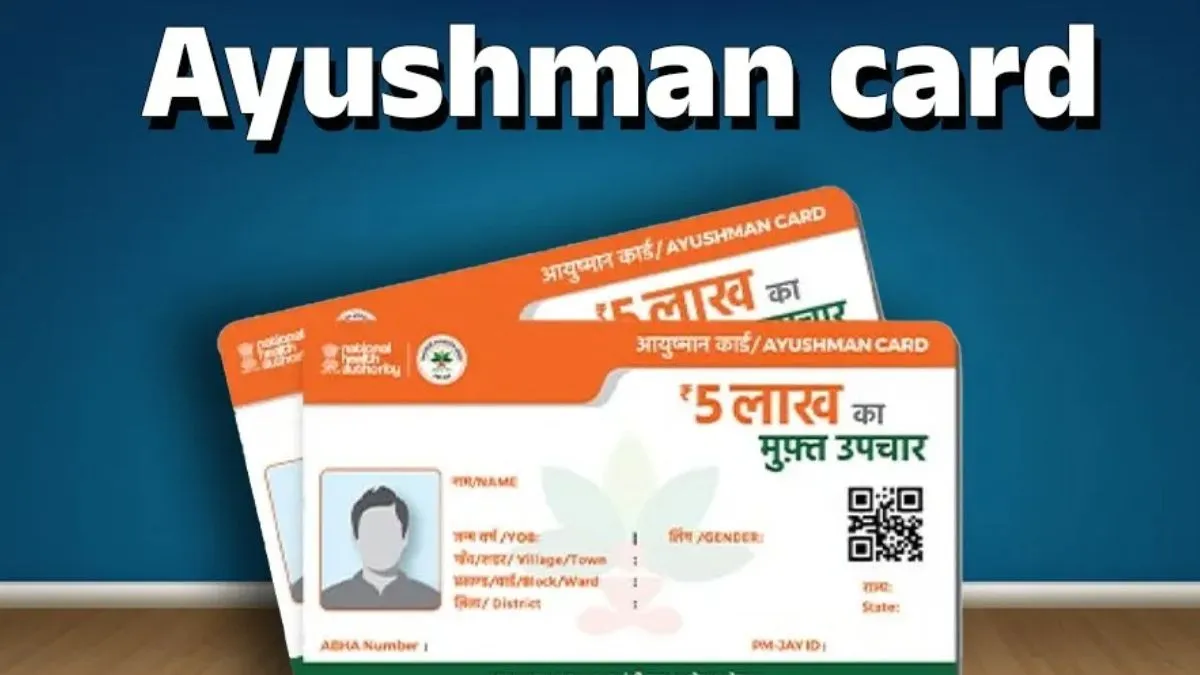
Ayushman Card e-KYC: The Ayushman Bharat-Pradhan Mantri Jan Arogya Yojana (PM-JAY), one of India’s largest health schemes, aims to offer cashless medical treatment worth up to Rs 5 lakh per year. While millions of people are already benefiting from this scheme, the government has recently issued a crucial update.
To continue receiving the benefits of Ayushman Card Yojana, beneficiaries must complete their e-KYC (electronic know-your-customer) process, Jagran.com reported. Through e-KYC, the government ensures that only eligible beneficiaries receive the benefits of the scheme, preventing fraud.
ALSO READ: Uttarakhand CM Flags Off 100 New Buses; Focus On Safe, Affordable Travel
Failure to complete e-KYC on time could lead to serious consequences, such as hospitals refusing treatment, or your name being removed from the scheme’s beneficiary list or cancellation of the Ayushman Card.
How To Complete e-KYC Online Via Ayushman App?
Eligible beneficiaries can complete their e-KYC from the comfort of their homes via the Ayushman App. Here’s the step-by-step guide to the process.
- Download App: Look for “Ayushman Bharat Digital Mission”, “ABHA”, or “Ayushman App” on the Google Play Store and install the app.
- Login: Select your preferred language and log in using your mobile number. Enter the OTP sent to your number.
- Start e-KYC: On the app’s home page, click “Ayushman Card” or “Generate Ayushman Card”, then select “Complete e-KYC”.
- Select Aadhaar e-KYC: Choose Aadhaar e-KYC via OTP and enter your Aadhaar number. UIDAI will send an OTP to the mobile number linked with your Aadhaar.
- Enter OTP: Enter the OTP correctly to complete the e-KYC process.
- Download Ayushman Card: Once KYC is complete, click “Generate Ayushman Card” and download your digital Ayushman card in PDF format.