
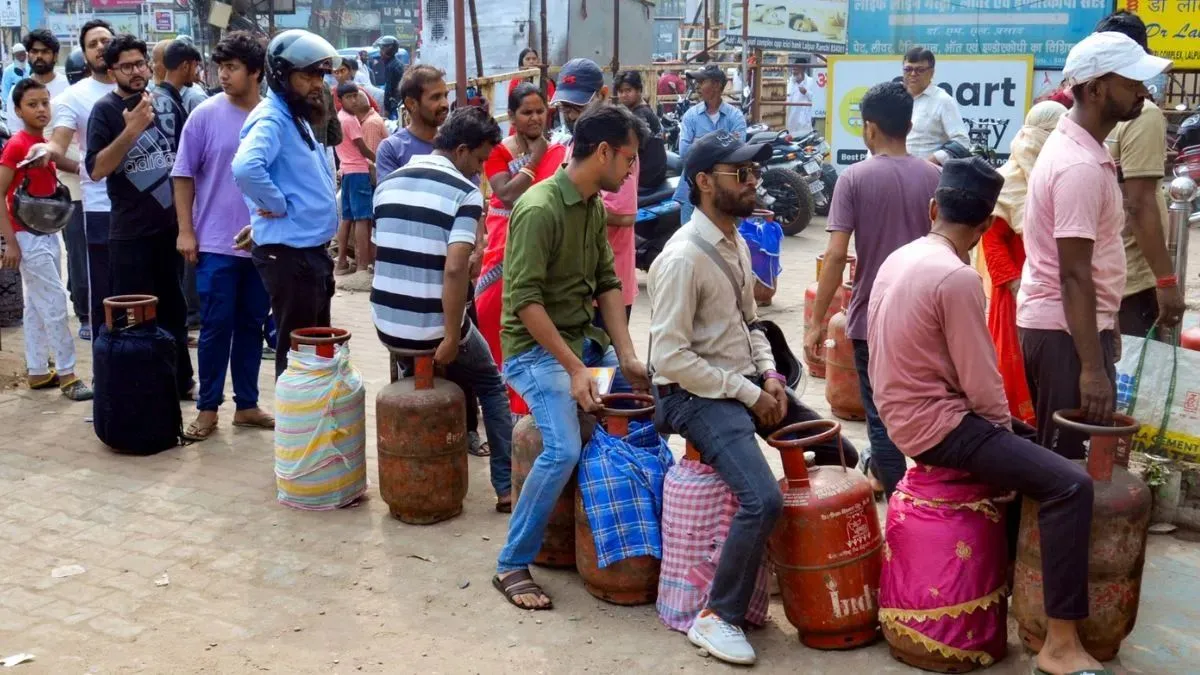
How To Book LPG Cylinder: The government has introduced new measures to regulate the distribution of Liquefied Petroleum Gas (LPG) across the country. The step comes after a recent rise in domestic LPG prices and reports of shortages affecting households and restaurants in several areas.
According to the officials, these changes, including adjustments to the LPG cylinder booking system, are aimed at managing supply better and preventing people from hoarding cylinders.
What Are The Changes?
- The government have revised the booking rules for domestic LPG cylinders to improve distribution and prevent stockpiling.
- Under the new guideline, customers must now maintain a minimum gap of 25 days between two refill bookings, compared to the earlier waiting period of 21 days.
- Oil Marketing Companies (OMCs) have already updated their software systems to implement the change, meaning a refill request will not be accepted if a consumer tries to book another cylinder before the 25-day period is completed.
How To Book AN LPG Cylinder Via Different Platforms?
Consumers of Indane Gas, Bharat Gas and HP Gas can book LPG cylinders through multiple channels, including phone calls, SMS, WhatsApp, mobile apps and the official websites of the respective companies, ABP News reported.
Indane Gas Booking
Call or SMS: 7718955555
WhatsApp: 75888 88824 (send message REFILL)
Missed call: 84549 55555
IVRS or SMS number: 77189 55555
Toll-free helpdesk: 1800 2333 555
Bharat Gas Booking
IVRS numbers: 77150 12345 or 77180 12345
WhatsApp: 1800 224 344
Mobile app: Hello BPCL application
Website: Bharat Gas official website
HP Gas Booking
Booking call number: 7718955555
WhatsApp: 92222 01122
Missed call: 94936 02222
Official helpline: 1800 233 3555
How To Apply For A New Domestic LPG Gas Connection Online?
Consumers can apply for a new domestic LPG connection (Indane Gas, Bharat Gas, HP Gas) online through the official company websites. Here's a step-by-step guide:
Step 1: Visit the official website of your preferred LPG provider, such as Indane Gas, Bharat Gas or HP Gas.
Step 2: Register using your mobile number.
Step 3: Select the option for “Register for LPG Connection” on the homepage or services section.
Step 4: Fill in the application form with personal details, address and identity information.
Step 5: Upload the required documents, such as proof of identity and proof of address.
Step 6: Choose your distributor based on your location.
Step 7: Submit the application and pay the required fee online, if applicable.
Step 8: Once the payment is completed, a subscription voucher (SV) is issued, and the digital connection to LPG is complete.