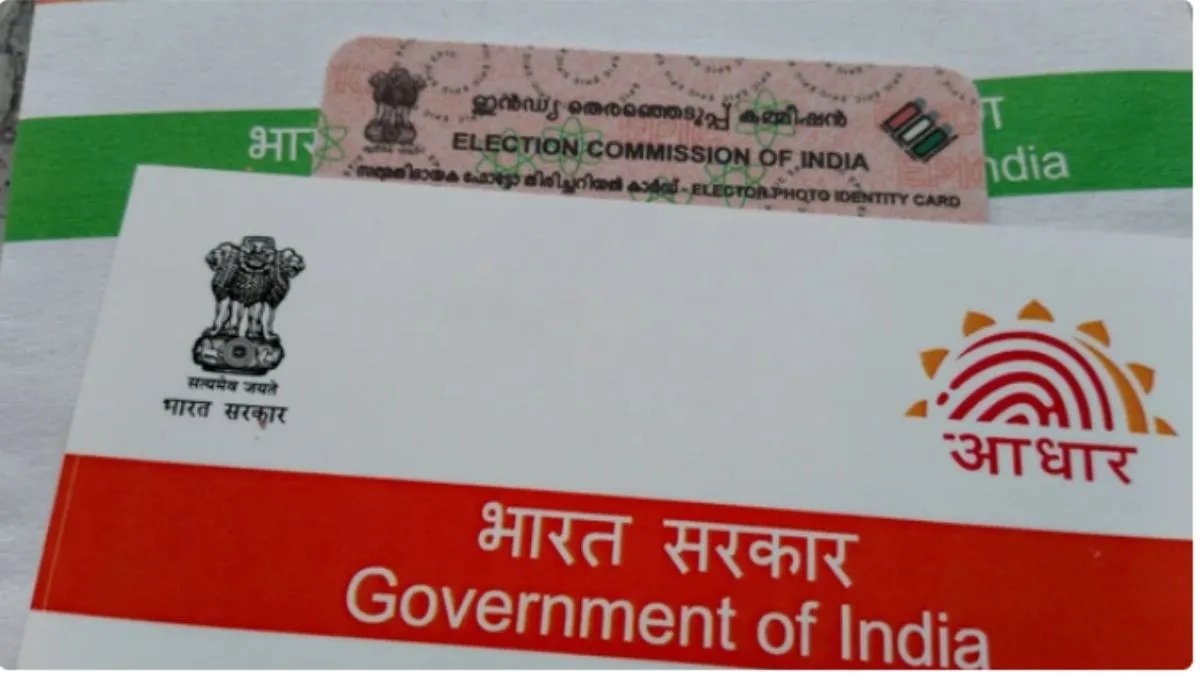
PVC Aadhar Card: An Aadhar card is a key identity proof required in almost every documentation; hence, many people opt for a PVC Aadhaar card, which is essentially the same as the regular Aadhaar card but offers greater physical durability. It resembles a PAN card in appearance and is designed to be more robust. However, ordering it comes at a slightly higher cost, and the Unique Identification Authority of India (UIDAI) has recently increased its fee.
How To Order PVC Aadhaar Card
The Unique Identification Authority of India (UIDAI) now allows residents to order a compact, pocket-sized PVC Aadhaar card online. This durable card is easy to carry and is delivered directly to your doorstep.
ALSO READ: Vande Bharat Sleeper Express, 6 Amrit Bharat Trains To Be Launched On Jan 17; Check Routes
The PVC Aadhaar card is a credit card-sized version of your Aadhaar, featuring enhanced security elements such as a hologram, guilloche pattern, ghost image, and embossed Aadhaar logo.
Has PVC Aadhaar Card Fee Increased?
Yes, the Unique Identification Authority of India (UIDAI) has raised the fee for ordering the PVC Aadhaar card. This durable, wallet-friendly version of your Aadhaar identity document now costs more. The revised fee came into effect from January 1, 2026, and applies to all online orders for the PVC Aadhaar card.
Previously, residents could order the PVC Aadhaar card for Rs 50 (inclusive of taxes). The fee has now been increased to Rs 75, which includes all applicable taxes and speed post delivery charges.
This means you will now have to pay Rs 25 more than before when ordering your PVC Aadhaar card.
ALSO READ: Bengaluru News: More Roads Likely To Be Included In Pay-And-Park Scheme; GBA Provides Details
Step-By-Step Process To Apply For PVC Aadhaar Card
Follow these steps to place your order:
-Visit the official website: uidai.gov.in
- Go to the ‘My Aadhaar’ section and select ‘Order Aadhaar PVC Card’
-Enter your Aadhaar number and the captcha code.
-Verify using the OTP sent to your registered mobile number.
-Review your details, name, photo, address, and date of birth.
-Proceed to make the payment.
-Save the Service Request Number (SRN) for future tracking.