
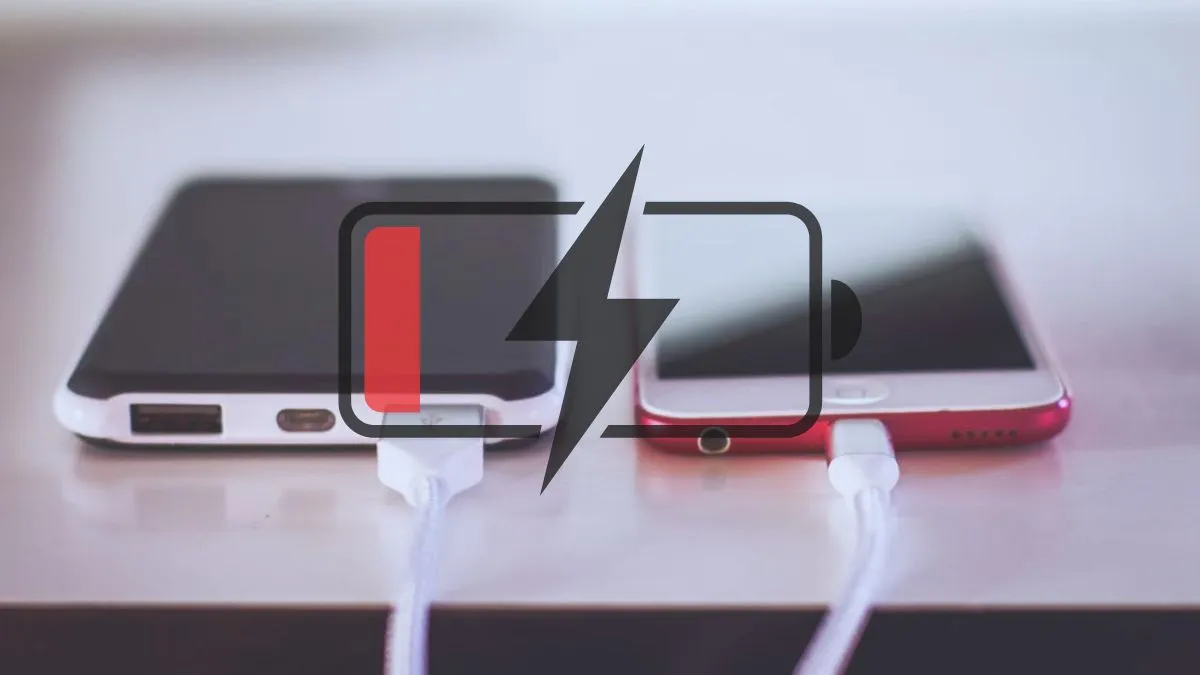
In today's time smartphones have become an inseparable part of our lifestyles and have become an essential and indispensable item in everyone’s daily routine. Whether it’s office work, entertainment, or even communications, we endlessly rely on smartphones. However, despite cell phone advancements in technology, power drainage has remained one of the most persistent challenges to date.
Many people believe it’s either their ageing phones or a defective cell phone battery that causes these situations to arise; in most cases, this isn’t true, and there’s always a logical explanation behind such situations.
Sometimes, certain functions remain operational in the background and tend to drain the battery power. In case it goes unchecked, even a new smartphone may not be able to survive the entire day on a single charge. Let's see three environments that tend to affect smartphone battery life considerably.
Always-On 5G, WiFi And Bluetooth
Always-On Connectivity Features like 5G, Bluetooth, and Wi-Fi always on are one of the major reasons for heavy draining of the battery. While we can't argue with the speeds that 5G provides, it comes at a cost; that is, it consumes more power, especially if signals are weak. Similarly, Bluetooth and Wi-Fi scan for all the devices and networks in their vicinity. This helps in shifting to 4G when high-speed data is not required and also in turning off the connectivity options that are not used.
Recommended For You
Power-hungry Brightness Options
Among all the parts, the display of your phone consumes the battery fastest. The amount of brightness or high function of auto brightness can also cause quick battery draining, especially for larger-sized AMOLED screens. It’s pragmatic to use auto brightness and raise the brightness level only in brighter environments.
Background Apps and Location Usage
Many apps keep running in the background even after they're closed. Social media, food delivery, and navigating apps tend to burn data and location access in the background. During location access, when 'always on' accesses the phone, it keeps tracking via GPS, Wi-Fi, and mobile networks continuously. Limiting background activity and letting location access only be on when absolutely necessary greatly enhances battery life.
So if you are a heavy smartphone user and keep track of these three settings, it might help you in getting more out of the battery life you are currently dealing with.