
- By Shibra Arshad
- Fri, 05 Dec 2025 09:15 AM (IST)
- Source:JND
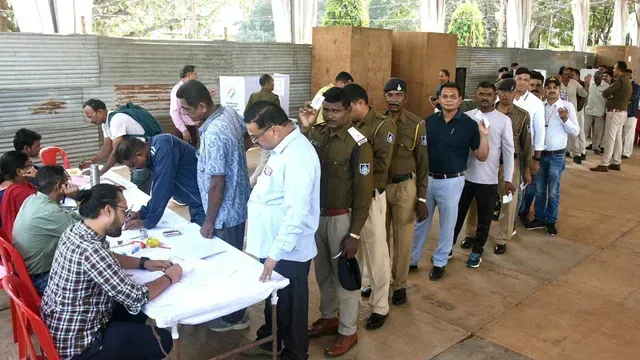
SIR In India: With a lot of Chaos around, Special Intensive Revision of the voter list across 12 states and Union Territories, there is unexpressed concern around whether the BLO has actually uploaded the Special Intensive Revision (SIR) 2026 form on the Election Commission portal.
Here’s the easiest and fastest way to confirm it yourself: How to Check Your SIR Form Status on the ECI Website
- Visit the official website: eci.gov.i
-On the homepage, look at the right side → click on “Services” (Voter Services).
- Scroll down and click “SIR 2026”.
- Now, click on ‘Fill Enumeration Form’.
- A new window will open → select ‘Online Form Submission by Elector’.
- Choose your State.
- Enter your EPIC Number (Voter ID number).
- Click Search.
SIR Search Results And Their Meaning
- If your form is successfully uploaded → you will see ‘Already Submitted’.
- If nothing appears → your form has NOT been submitted yet.
Prerequisite To Check Your SIR Form Status
You need to log in first using the registered mobile number linked to your Voter ID.
Even if your number is not linked, you can use any family member’s/friend’s login (same household) to check the status.
ALSO READ: Delhi Traffic Advisory: Movement At Wazirabad Flyover Shut For 23 Days; Check Dates, Diversions
BLOs Must Perform Duties: SC
In other news related to the much-hyped SIR process in the country, the Supreme Court of India on Thursday said that the Booth Level Officers (BLOs) deputed by the state governments and the state's Chief Electoral Officers (CEOs) must perform statutory duties, including SIR, as mandated by law.