
Google has released the first public beta of Android 17, giving users and developers an early look at what the next major Android update will bring. The rollout happened on Friday and marks the beginning of wider testing ahead of the stable release later this year.
Along with the update itself, Google has also changed how it shares early builds with developers. The familiar “Developer Preview” label is being dropped. In its place, the company is introducing a Continuous Canary Channel, which means early versions of Android will now roll out more regularly instead of in fixed preview stages.
ALSO READ: Sony WF-1000XM6 Launched Globally With Stronger ANC And Smarter Audio
Performance changes you won’t see but will notice
Android 17 Beta 1 focuses heavily on internal improvements rather than flashy features. Background tasks are also being managed differently, which should allow applications to be executed in a smoother manner, given that some processes are always active in the background. Another improvement is in the power efficiency, which should be visible in the device's performance and battery consumption.
Recommended For You
All these changes are done in the background, but they aim at making the experience smoother, given that the device is always active and has applications running in the background.
Clearer controls over privacy and security
Privacy gets another round of refinements in Android 17. Permission management has been improved to give users better visibility into how apps access sensitive data such as location, camera, and microphone inputs.
For developers working on media and camera apps, Google has added more advanced tools, including support for smoother transitions and standardised audio loudness. The update also brings support for the Versatile Video Coding (VVC) format.
At the system level, Android 17 now places stricter limits on background audio activity. Background apps can no longer freely trigger audio playback, request audio focus, or change volume unless the action is initiated by the user.
Small UI polish and better support for big screens
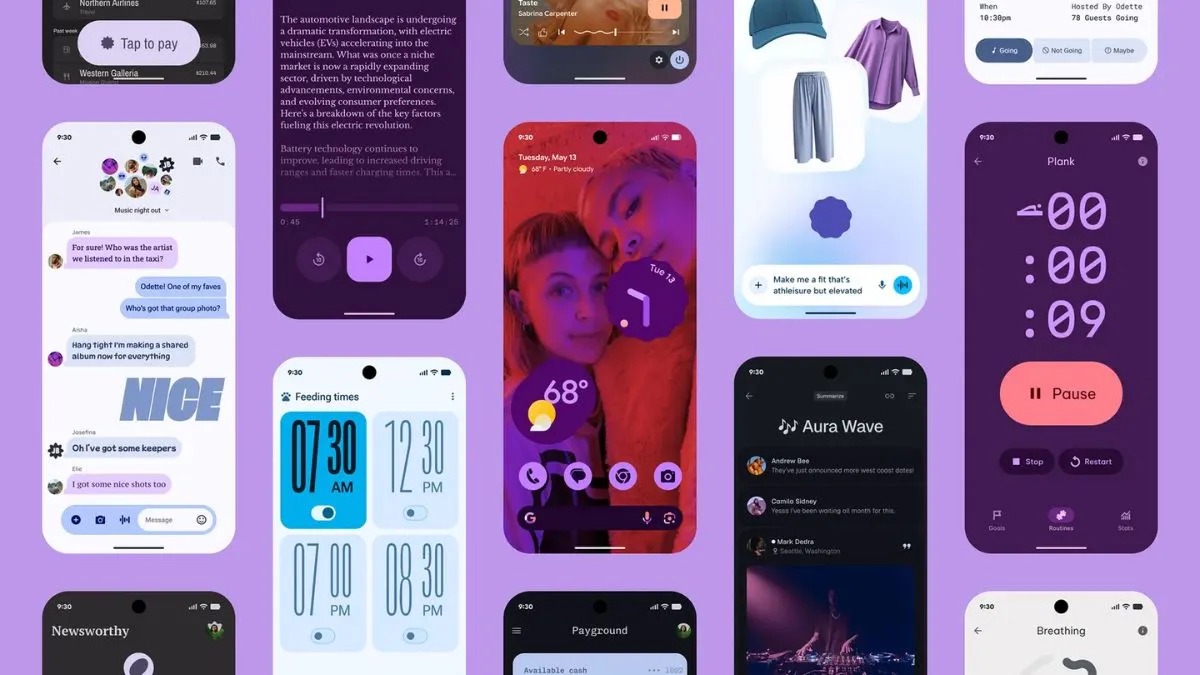
On the visual side, Android 17 doesn’t change much, but it does refine existing elements. System animations are smoother, and notifications and Quick Settings behave more consistently.
Google has also doubled down on large-screen optimisation. Apps are no longer exempt from orientation and resizability requirements on tablets and foldables, which should result in better layouts and functioning interfaces on larger screens.
Finally, there’s a small but useful change that caps the size of custom notification screens, which reduces memory consumption. This plugs a hole that previously allowed apps to exceed the limit with URIs. The restriction affects apps targeting API level 37 and up.
How to install Android 17 Beta 1
Android 17 Beta 1 is available for supported Pixel phones, starting from the Pixel 6 series up to the latest Pixel 10 models. Users enrolled in the Android Beta Program can opt in through Google’s website, check for updates in system settings, and install the beta over the air.
ALSO READ: Apple iPhone 18 Pro Series Could Bring A20 Pro Chip, C2 Modem And Advanced Camera Upgrades
As always, beta software can be unstable, so it’s better suited for testing or secondary devices rather than a daily-use phone.