
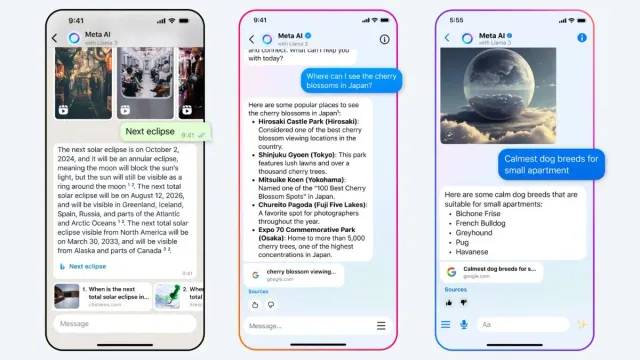
Meta has started rolling out Llama 3-powered Meta AI assistant in India on WhatsApp, Facebook, Messenger and Instagram. While testers have access to the AI model since the trial phase, more users are expected to receive the update in the coming weeks. The Mark Zuckerberg-led platforms said users can use the Assistant on WhatsApp, ask about a Facebook feed and watch AI-suggested Reels on Instagram.
Eligible users can summon Meta AI from the search, feed, chats and other places on these apps and gain real-time information from the internet or generate text and images. Apart from Meta apps, it is also available on meta.ai (via the 'Ask Meta AI anything' button). Meanwhile, if you are seeing the new Meta AI icon (colourful gradient), here is a how-to guide to use it.
Meta AI on WhatsApp in India: How To Use?
Step 1: Open WhatsApp and look for the 'Meta AI' icon in chats
Step 2: Tap the icon and read and accept the terms of use
Step 3: Now you can send input from any of the suggested prompts or type your custom prompt
Step 5: Press the send button and wait for Meta AI's response
Moreover, you can mention the model in group chats by typing '@', choosing Meta AI and entering the prompt.
Meta AI on Instagram: How To Use?
Step 1: Tap the 'aeroplane' or 'messenger' icon on the top right of your feed
Step 2: Tap the 'pencil' icon at the top right
Step 3: Now tap 'Create an AI chat' and choose 'Meta AI'
Step 4: Type in your prompt and hit 'Send'
You can also use the assistant from the search bar or while chatting with others if it is available in your version. The '/imagine' prompt can be used to generate images.
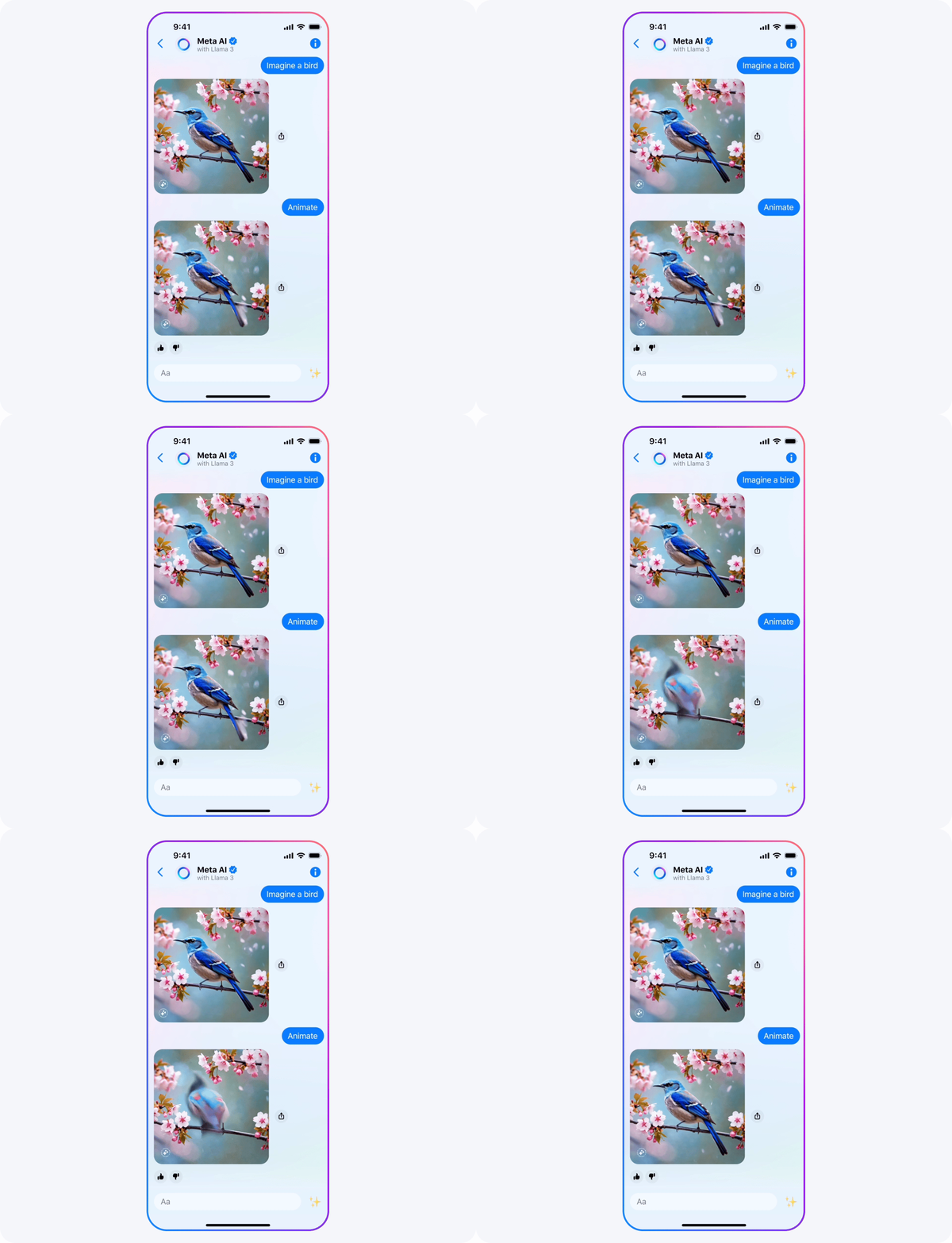 Example of Meta AI's Imagine image generation shared by Meta. (Image:Meta)
Meta AI on Messenger, Facebook: How To Use?
Step 1: Tap the 'pencil' icon in 'Chats'
Step 2: Choose 'AI chat' followed by 'Meta AI'
Step 3: Type in your prompt and wait for Meta AI to return the results as a chat