
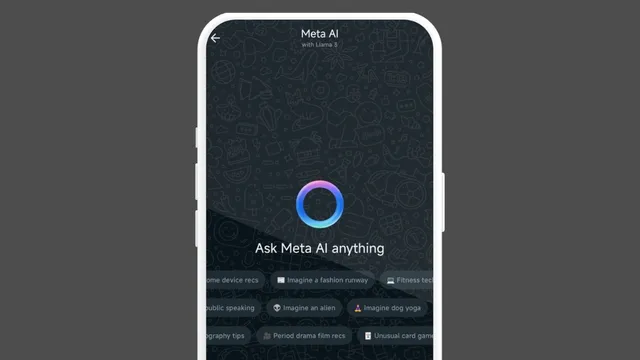
Meta has announced the rollout of Meta AI on WhatsApp in India. Users can summon the assistant for diverse tasks ranging from text and image generation to asking queries and more operations. Powered by Llama 3, Meta AI is rolling out for users of the instant messaging app's latest version on smartphones, PCs and the web.
Do note the optional feature is available in limited countries in English. For a detailed look at how the model can be used on the app, here is a how-to guide.
Meta AI on WhatsApp: How To Start A Chat?
Step 1: After updating to the latest version of WhatsApp, tap the iridescent purple-blue ring in the Chats tab
Step 2: Tap once in the 'Message' bar and read and accept the terms of use
Step 3: Choose from a wide range of available prompts or enter a custom message
Step 4: Tap the aeroplane icon on the left of the message bar
Meta AI In India: How To Chat In WhatsApp Group?
Step 1: Open the desired WhatsApp group chat that you would like to bring Meta AI in
Step 2: Type "@" in the message bar and choose "Meta AI"
Step 3: Read and accept the terms of use and enter your prompt which you would like the AI assistant to address
Step 4: Tap the send button and wait for the response
Note: You can also reply to these messages by selecting them and sending them as a reply
Meta AI In WhatsApp's Search Bar: How To Use?
Step 1: Tap the search box available at the top of the 'Chats' view
Step 2: Start typing your prompt or check out prompts suggested by "Ask Meta AI"
Step 3: After agreeing to the terms of use, enter your prompt and wait for the response
Meta AI In WhatsApp: How To Generate Images
Step 1: Open chats with Meta AI on WhatsApp
Step 2: Type "imagine" followed by the prompt as usual in the text prompt
Step 3: Choose one of the images and press the send button
Note: For group chats, you need to first mention Meta AI followed by the "imagine" prompt to create images.