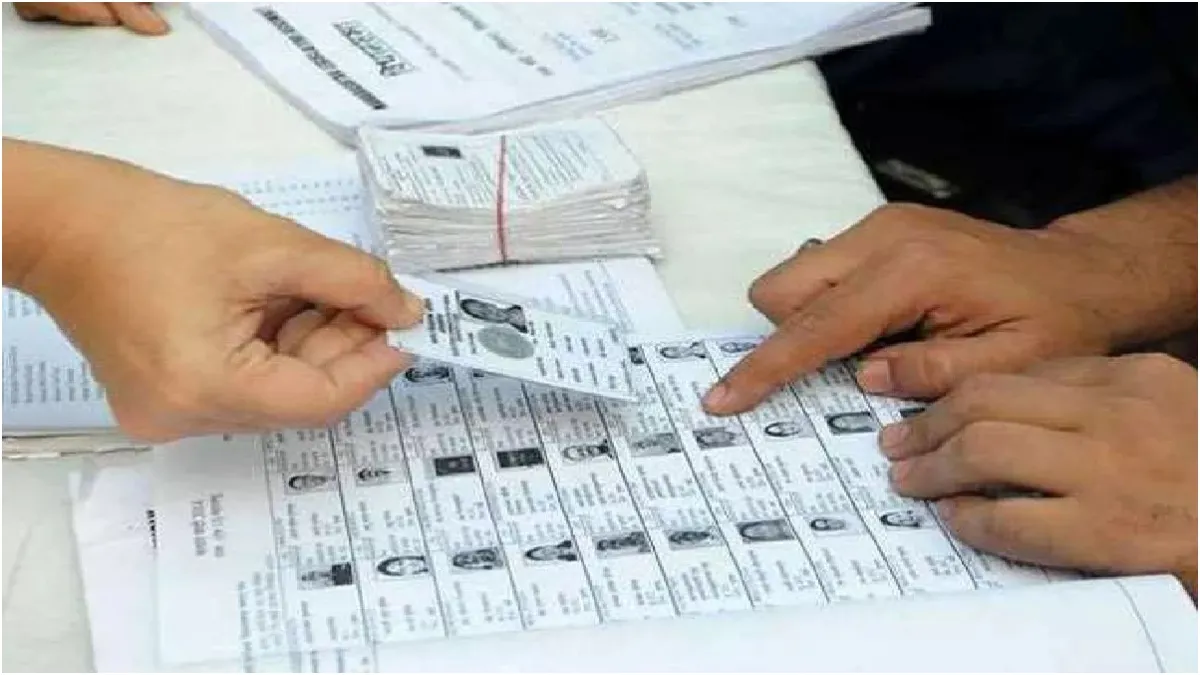
Gujarat SIR: The Election Commission of India (ECI) has released the draft electoral roll for Gujarat after the completion of the Special Intensive Revision (SIR) exercise on Friday. Voters now have one month to verify their details and submit any claims or objections before the final roll is published.
Nearly 74 lakh voters have been removed from Gujarat's draft electoral rolls following the SIR exercise, reducing the total number of electors to 4.34 crore, compared to the previous total of 5.08 crore, an official confirmed on Friday.
A total of 73.73 lakh voters were excluded from the electoral rolls after the exercise, which was conducted by the ECI to clean up the rolls, said Gujarat's Chief Electoral Officer (CEO), Hareet Shukla.
The SIR exercise in Gujarat began on November 4 and concluded on December 14. Following the publication of the draft rolls, voters can submit objections or claims to the authorities until January 18, as per the ECI’s earlier announcement.
Gujarat SIR: How Can Voters Check Their Names in Draft Rolls?
Voters can check whether their names appear in the draft electoral roll via the official website of the Chief Electoral Officer (CEO), Gujarat. The Election Commission has stated that any reasons for deletion will be clearly provided to ensure transparency. Voters can also verify whether their names have been marked as “absent”, “shifted”, or “deleted” during the SIR process.
ALSO READ: ITR Filing FY 2025-26: I-T Department Asks Taxpayers To Correct ITR Discrepancies Before THIS Date
Gujarat SIR: How To Verify Your Details Online
To check your name through the ECI Gujarat website, follow these steps:
1. Visit the official CEO Gujarat website.
2. Scroll to the ‘Electoral Rolls’ section on the homepage.
3. Select the year of revision as 2026.
4. A district-wise list linked to the SIR exercise will appear.
5. Click ‘Show’ next to your district.
6. Select your Assembly constituency to access booth-level voter data.
7. The data is available as PDF files hosted on Google Drive.
Alternatively, voters can search for their details using their EPIC number on the ECI’s national portal at https://electoralsearch.eci.gov.in/
What To Do If Your Details Are Wrong?
If you notice errors in your details, such as name, age, or address, you can submit Form 8 to correct them. Form 8 can be submitted via the Voters’ Service Portal or the Voter Helpline App, which will provide a tracking ID for each submission. Alternatively, you can submit the form to your Booth Level Officer (BLO) or Electoral Registration Officer at the local municipal office.